LAPTOP • DAILYTECH.ID - Your Chromebook may keep turning off due to overheating, a depleted or faulty battery, or software glitches in ChromeOS. Ensure the device is properly ventilated, check for pending system updates, and verify that the charger is functioning correctly. In some cases, a hard reset or performing a Powerwash may be required to resolve persistent shutdowns.
A Chromebook that keeps turning off unexpectedly can disrupt your productivity and indicate underlying hardware or software issues. Identifying the cause—ranging from overheating to outdated ChromeOS versions—is the first step toward a permanent fix. Your Chromebook may keep turning off due to overheating, a depleted or faulty battery, or software glitches in ChromeOS. Ensure the device is properly ventilated, check for pending system updates, and verify that the charger is functioning correctly. In some cases, a hard reset or performing a Powerwash may be required to resolve persistent shutdowns. Use the following guide to troubleshoot why your device or connectivity keeps failing.
Common Reasons Why Your Chromebook Keeps Shutting Down Randomly
When you find yourself asking, “why does my chromebook keep turning off by itself,” the answer usually falls into one of three categories: thermal management, power delivery, or operating system stability. Understanding these root causes is essential for applying the correct fix rather than just repeatedly restarting the machine.
Overheating and Ventilation Issues
One of the most frequent reasons why your chromebook keep turning off randomly is thermal throttling. Modern Chromebooks are designed to protect their internal components—specifically the CPU—from heat damage. If the internal temperature reaches a certain threshold, the system will initiate an emergency shutdown without warning.
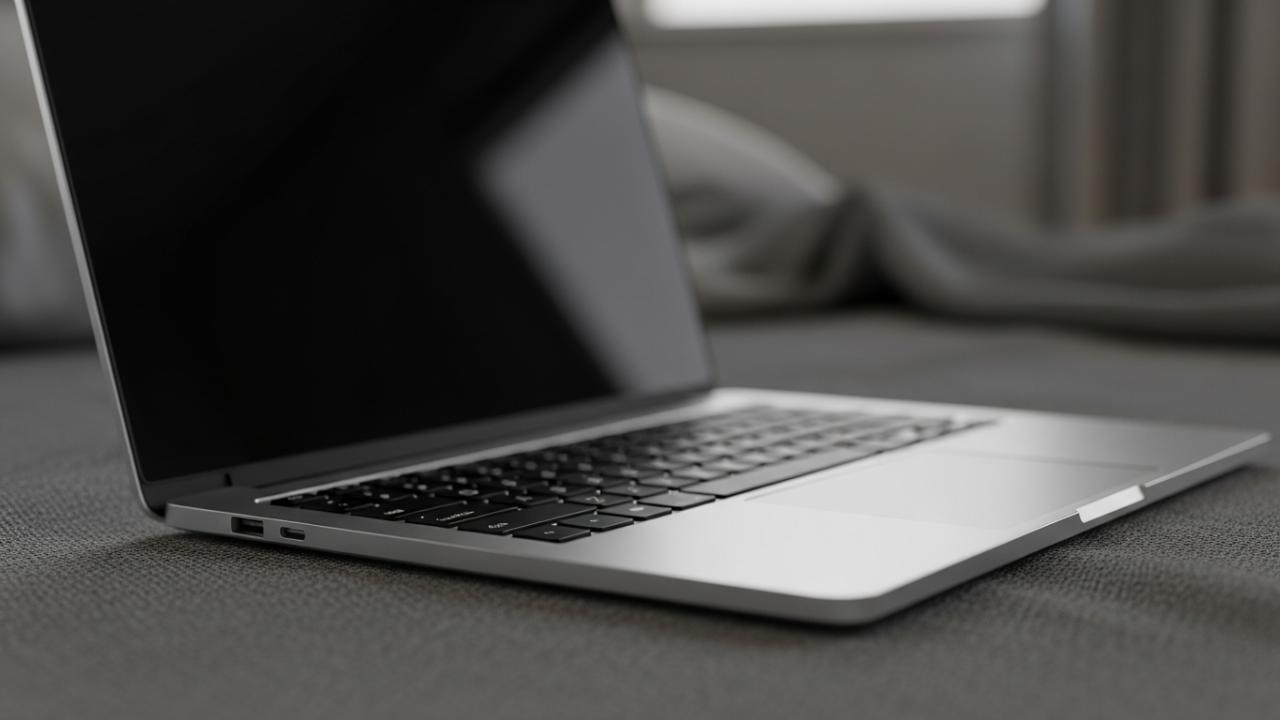
This is common if you are using your device on a soft surface like a bed, pillow, or carpet. These surfaces block the small vents located on the bottom or back of the device. Even fanless models, which rely on passive cooling through the chassis, can overheat if they cannot radiate heat effectively. Dust accumulation is another culprit. Over months or years, dust bunnies can clog the cooling fins and fans, making it impossible for the device to stay cool during intensive tasks like video conferencing or gaming. If you notice your chromebook keep shutting down by itself when you are running several tabs or high-definition video, heat is the likely offender.
Battery and Power Adapter Failures
If your chromebook keeps turning off and on, or if it shuts down as soon as you unplug it from the wall, the battery is likely the issue. Lithium-ion batteries have a limited number of charge cycles. Once a battery nears the end of its lifespan, it may report a high charge percentage but lack the voltage stability to keep the system running under load.
Furthermore, a faulty charger can lead to a situation where your chromebook charger keep going on and off. If the power delivery is inconsistent, the Chromebook may toggle between battery power and AC power rapidly, eventually leading to a system crash or a black screen. Inspect your USB-C or barrel-style charging port for debris or physical damage. A loose connection inside the port can cause the system to think the power source has been disconnected, triggering sleep modes or shutdowns depending on your power settings.
Operating System Glitches and Outdated Software
ChromeOS is generally very stable, but it is not immune to bugs. If you are wondering why does my chromebook keep shutting down unexpectedly, it might be due to a kernel panic or a bug in the specific version of the OS you are running. Google releases updates every few weeks, and failing to install these can lead to compatibility issues with newer web standards or extensions.
Sometimes, a specific Chrome extension or an Android app installed via the Google Play Store can consume excessive memory (RAM). When the system runs out of memory, it may become unresponsive or restart the “Chrome shell” to clear space. In extreme cases, this manifests as a full system reboot. If your chromebook keep turning on and off in a loop, it might be stuck in a “boot loop” caused by a corrupted update or a failing solid-state drive (SSD).
Troubleshooting Specific Brand Issues: Acer, Dell, HP, and Lenovo
While all Chromebooks run the same software, different manufacturers use different internal hardware. This means that the reason why your acer chromebook keep turning off might differ slightly from why a Dell or HP model is failing.
Why Your Acer or ASUS Chromebook Keeps Shutting Down
Acer and ASUS Chromebooks are popular in both the consumer and education markets. Users of these brands often report issues related to the lid-close sensor. These devices use a small magnet and a Hall effect sensor to detect when the laptop is closed. If this sensor is faulty or if there is a magnetic object (like a phone or a smart watch) near the palm rest, the Chromebook might think the lid has been closed and turn off the screen or enter sleep mode.
Additionally, some older Acer models have been known to have loose internal battery connectors. If you move the laptop or set it down firmly, the battery might momentarily lose contact, causing the device to shut down instantly.
Resolving Lenovo and Samsung Power Failures
Lenovo and Samsung devices often feature high-quality displays and sleek designs, but they are not immune to power issues. If your samsung chromebook keep shutting down, it could be related to the high-brightness screen drawing more power than a degraded battery can provide. Lenovo users frequently encounter issues with the USB-C ports. Since most modern Lenovo Chromebooks use USB-C for both charging and data, these ports see a lot of wear. If the port becomes loose, the charging circuit may fail, leading to sudden power loss.
Addressing School Chromebook Management Restrictions
If you are asking “why does my school chromebook keep turning off,” the answer often lies in administrative policies. School-issued devices are managed by an IT department. These admins can schedule forced restarts to apply security patches or to clear the cache. Furthermore, if you are trying to access blocked content or use unapproved extensions, the management software may trigger a shutdown or a logout as a security measure. If the device keeps turning off during a specific time of day, it is likely a scheduled maintenance task set by your school.
Fixing Connectivity: Why Your Wi-Fi and Bluetooth Keep Turning Off
Connectivity issues can be just as frustrating as power failures. If your chromebook keep turning off the wifi or disconnecting from peripherals, the problem is usually related to power management settings or driver conflicts.
Resolving Constant Wi-Fi Disconnections
If your chromebook keep disconnecting from wifi or “why does my chromebook keep turning off the wifi” is your main concern, check your sleep settings first. By default, some Chromebooks are set to disconnect from Wi-Fi when the lid is closed or when the device enters sleep mode to save battery.
If the Wi-Fi keeps disconnecting while you are actively using it, there may be interference from other 2.4GHz devices, such as microwave ovens or cordless phones. Try switching to a 5GHz band on your router if possible. In some cases, the internal Wi-Fi card may be unseated. If you are comfortable opening your device, ensuring the two small antenna wires are securely snapped onto the wireless card can solve persistent drops.
Fixing Bluetooth and AirPods Connection Drops
Bluetooth stability is another common pain point. If your chromebook keep disconnecting my airpods or other Bluetooth headphones, it is often due to the “Bluetooth Coexistence” issue. Because Wi-Fi and Bluetooth often share the same internal antenna and frequency range, high Wi-Fi traffic can “crowd out” the Bluetooth signal.
If your chromebook bluetooth keep turning off by itself, try disabling and re-enabling Bluetooth in the Quick Settings menu. If that fails, unpair the device and “forget” it in the settings, then restart your Chromebook before attempting to pair again. This clears the local cache for that specific device and often resolves handshake issues.
Why the Wi-Fi Toggle Turns Off Automatically
Sometimes, you might find that the wifi on my chromebook keep turning off or the toggle switch in the settings physically moves to the “off” position on its own. This is usually a sign of a hardware failure with the Wi-Fi chip or a software conflict where two different processes are trying to control the wireless radio. Performing a hard reset (not a factory reset) is the best first step to re-initialize the hardware controller for the Wi-Fi and Bluetooth radios.
Advanced Solutions for Persistent Crashing
When basic troubleshooting doesn’t work and your chromebook keep turning off on its own despite your best efforts, it is time to move toward more advanced recovery methods.
Performing a Hard Reset on Your Chromebook
A hard reset, also known as an EC (Embedded Controller) reset, restarts the hardware that controls things like the keyboard, touchpad, and power management. This does not delete your files, but it does force the hardware to reboot.
To do this, turn off your Chromebook. Press and hold the Refresh key (the circular arrow) and then tap the Power button while continuing to hold Refresh. Once the Chromebook starts up, release the Refresh key. This can often fix issues where the chromebook screen keep turning off and on or where the charging light is behaving erratically.
How to Powerwash Your Device to Factory Settings
If the software is deeply corrupted, a Powerwash is the nuclear option. This will wipe all local data and return the Chromebook to the state it was in when it left the factory. Before doing this, ensure all your important files are backed up to Google Drive or an external USB drive.
To perform a Powerwash, go to Settings > Advanced > Reset settings. Select Powerwash and follow the on-screen prompts. This will re-install a fresh version of ChromeOS and clear out any rogue apps or corrupted system files that might be causing your chromebook keep shutting itself down.
Checking for Faulty Hardware or Loose Internal Cables
If you have performed a Powerwash and the device still shuts down, the problem is almost certainly physical. Chromebooks, especially those used by students, are subject to a lot of vibration and minor drops. Over time, the ribbon cable connecting the screen to the motherboard or the cable connecting the battery can wiggle loose.
If you are out of warranty, you can remove the bottom screws of the chassis to inspect these connections. Look for any cables that aren’t seated perfectly in their sockets. If the battery looks “swollen” or puffy, stop using the device immediately, as this is a fire hazard and the primary reason why a device would shut down to prevent a thermal event.
FAQs – Why Does My Chromebook Keep Turning Off
School Chromebooks are often managed by administrators who can push mandatory updates or security policies that trigger restarts. Additionally, these devices are heavily used and may suffer from hardware wear, such as failing batteries or clogged vents. If it happens frequently, contact your school IT department as they may need to re-enroll or repair the hardware.
First, check for system updates in the settings menu. If the OS is current, perform a hard reset by holding the Refresh and Power buttons. If the restarts continue, try using the device in Guest Mode to see if a specific extension is causing the crash. If it persists in Guest Mode, a factory Powerwash is the next step.
Wi-Fi drops are usually caused by power-saving settings or signal interference. Ensure your Chromebook is not set to disconnect during sleep. You can also try “forgetting” the network and reconnecting. If the toggle turns off by itself, a hard reset is required to re-initialize the internal wireless hardware that may have glitched.
Inspect the charging port for lint or debris and clean it carefully with a non-metallic pick. Try a different wall outlet and, if possible, a different USB-C power brick. If the light blinks but doesn’t charge, the battery may have a dead cell, or the charging port itself may have a loose internal connection to the motherboard.
This is often caused by a faulty display cable or a malfunctioning lid sensor. If the screen flickers when you move the hinge, the internal ribbon cable is likely pinched or loose. Ensure no magnets are near the keyboard area, as they can trick the Hall effect sensor into thinking the lid is closed, causing the screen to turn off.