PHONES • DAILYTECH.ID - Trying to adjust app volume on Android without root? On some devices, you can control sound per app—but on others, everything still shares the same volume. That’s why music, games, and notifications can feel unbalanced. The good news is there are simple ways to manage app volume more precisely without rooting your phone.
Quick Answer: Adjust App Volume on Android Without Root
You can adjust app volume on Android without root using built-in features on some devices or third-party apps. If your phone supports it, use app volume settings. If not, apps like Sound Assistant or volume control tools can help manage sound for each app.
Check Built-In App Volume Settings
Some Android devices already support per-app volume control without root. This feature is usually available on certain brands with custom UI.
- Open Settings
- Go to Sound or Sound & vibration
- Look for options like App volume control
- Adjust volume for each app if available
Not all Android phones have this feature, so if you don’t see it, you’ll need to use other methods.
Use Sound Assistant (Samsung Devices)
If you’re using a Samsung device, Sound Assistant is one of the easiest ways to control app volume without root.
- Install Sound Assistant from the Galaxy Store
- Open the app
- Enable Individual app volumes
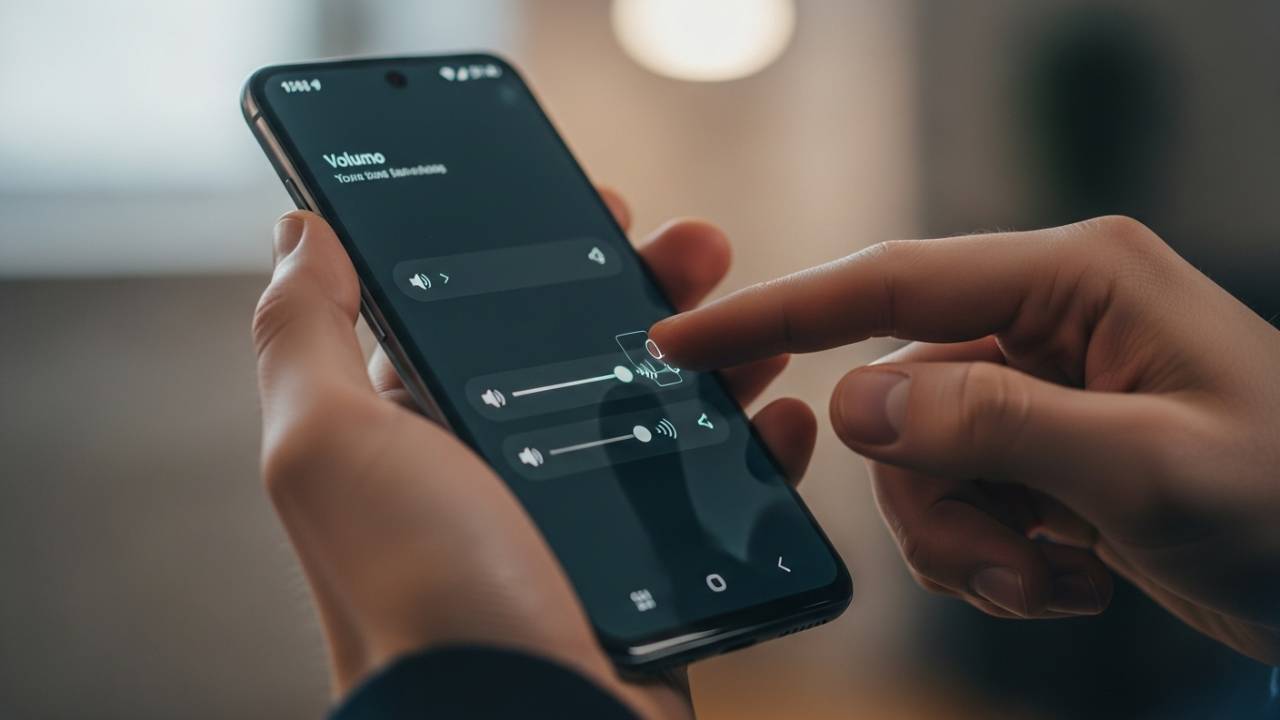
- Adjust volume for each app using sliders
This method works best on Samsung phones and gives you a clean interface similar to a volume mixer.
Use Third-Party Volume Control Apps
If your device doesn’t support per-app volume control, you can use third-party apps to manage sound more precisely.
- Download a volume control app from Google Play
- Open the app and grant required permissions
- Adjust volume levels for each app
These apps provide a workaround, but features may vary depending on your device and Android version.
Use In-App Volume Controls
Some apps include their own volume settings, which lets you control sound without relying on system-wide volume.
- Open the app you’re using
- Go to its settings or audio options
- Adjust volume inside the app
This works best for games, music, and video apps that provide built-in sound controls.
Limitations Without Root
Even though you can adjust app volume on Android without root, there are still some limitations.
- Not all devices support per-app volume control
- Some apps override system volume settings
- Third-party apps may have restricted access
- Features can vary depending on Android version and device brand
Because of this, results may differ depending on the device you’re using.
When This Works Best
- When one app is louder than others
- When using multiple apps like music and games at the same time
- When you want to reduce background sound from certain apps
- When balancing notifications and media volume
These situations make per-app volume control more useful, even without root access.
FAQ – How to Adjust App Volume on Android Without Root
Yes, but it depends on your device and available features.
Mostly Samsung devices and some phones with custom Android interfaces.
Yes, as long as you download them from trusted sources like Google Play.
Conclusion
You can adjust app volume on Android without root using built-in features, third-party apps, or in-app controls. While not all devices support full per-app control, these methods still give you better flexibility to manage sound across different apps.