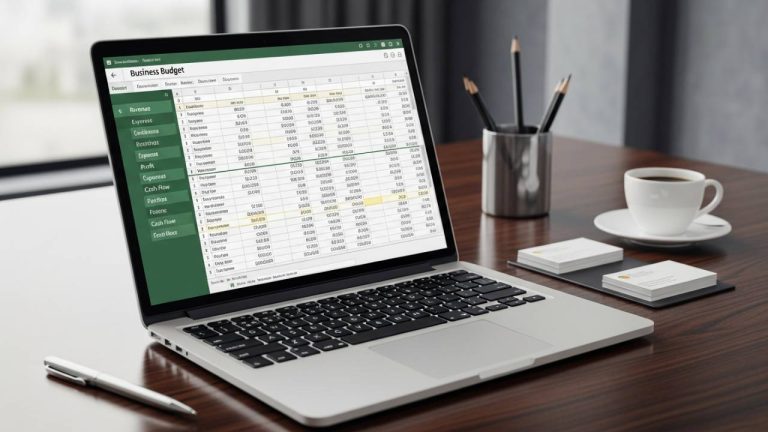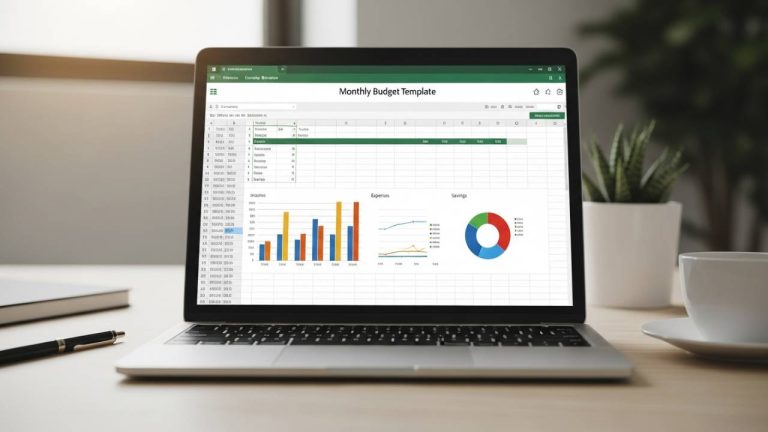
In the fast-paced world of digital and traditional media, marketing isn’t just an expense—it’s an investment. However, without a structured way to track your spend, that investment can quickly turn into a deficit. This free download Marketing Budget Template for Excel provides a professional framework to manage your multi-channel activities, ensuring every dollar works toward your bottom line.
Why Every Marketer Needs a Dedicated Tracker
Marketing budgets are often fragmented across social media, PPC, content creation, and events. A centralized, automated template helps you:
- Prevent Overspending: Identify campaigns that are exceeding their limits before they drain your quarterly budget.
- Measure Effectiveness: Compare how much you planned to spend versus the actual cost to calculate true ROI.
- Enable Agile Pivoting: With real-time data, you can reallocate funds from underperforming channels to high-growth opportunities instantly.
Notable Features of This Template
This template is designed to handle the complexity of modern marketing departments, offering both granular detail and high-level summaries.
1. Multi-Channel Activity Management
The tracker is organized to manage a variety of marketing functions in one place. Whether you are focusing on SEO, influencer partnerships, or paid advertising, you can track them side-by-side to maintain a holistic view of your strategy.
2. Monthly and Quarterly Breakdowns
Marketing goals often shift with the seasons. This template provides both monthly and quarterly views, allowing you to align your spending with specific product launches or holiday campaigns throughout the fiscal year.
3. Automatic Variance Tracking
Stop calculating differences manually. The built-in formulas automatically track the variance between your projected and actual costs. If a campaign goes over budget, the template highlights the difference, allowing for immediate adjustments.
4. Real-Time Fiscal Snapshot
At the very top of the template, you’ll find a summary section that provides a real-time snapshot of your total fiscal year projections, actuals, and remaining balance. This is perfect for quick status updates during stakeholder meetings.
How to Use the Marketing Budget Template
- Define Your Channels: Customize the core functions (e.g., Social Media, Content Marketing, Events) to match your current strategy.
- Set Your Projections: Enter your planned budget for the month or quarter.
- Log Actual Costs: As invoices come in and ad spend is finalized, enter the actual figures into the designated columns.
- Analyze Performance: Use the visual summaries and variance reports to determine which channels are the most cost-effective.
Who This Template Is For
- Marketing Managers: Who need to report spend and performance to leadership.
- Startup Founders: Managing tight budgets across multiple growth experiments.
- Agency Leads: Tracking ad spend and production costs for various clients.
- Content Creators: Organizing the costs of equipment, software, and promotion.
Free Download Link
Get your marketing finances in order today. Click below for instant access to the professional Excel tracker.
👉 Download Your Free Marketing Budget Template (Instant Access)
Frequently Asked Questions (FAQ)
Yes. The template is fully customizable, allowing you to add rows for everything from Google Ads to physical billboards and print media.
Absolutely. It features visual summaries that provide quick insights into spending categories, making it easy to see where the majority of your budget is being allocated.
Yes. You can upload the .xlsx file to Google Drive and open it with Sheets. All formulas for variance and fiscal snapshots will remain functional.
We recommend creating a “Software/Tools” category within the core functions to track monthly recurring costs for tools like CRM, email marketing, and design software.
Optimize Your Marketing Spend Today
Don’t let your marketing budget become a “black box” of mysterious expenses. By using this free download Marketing Budget Template, you gain the visibility and control needed to drive growth and prove the value of your campaigns. Download your copy now and start spending smarter.