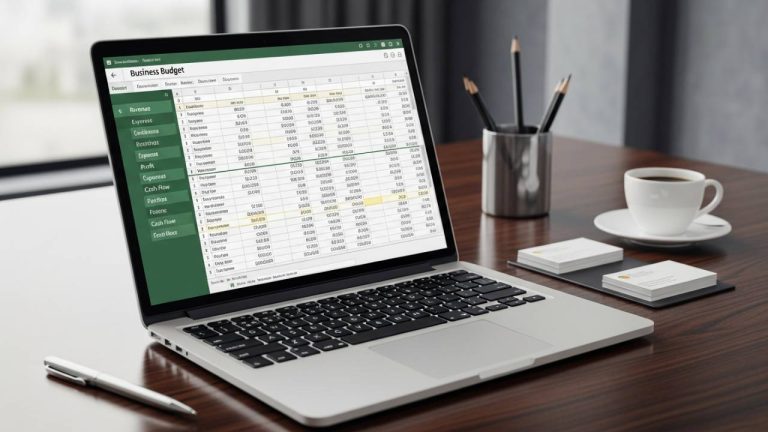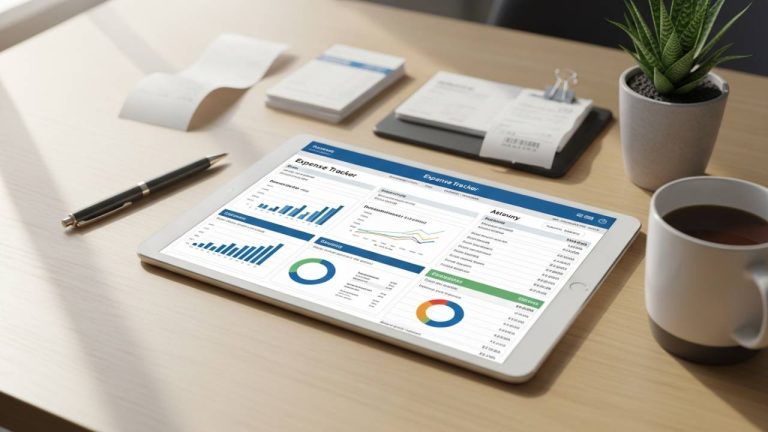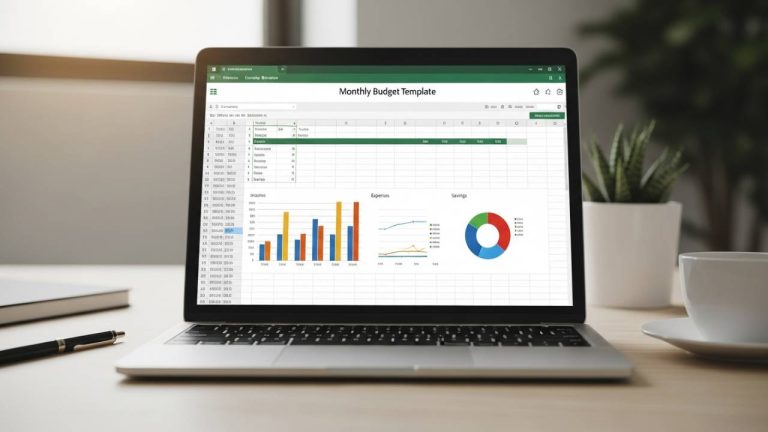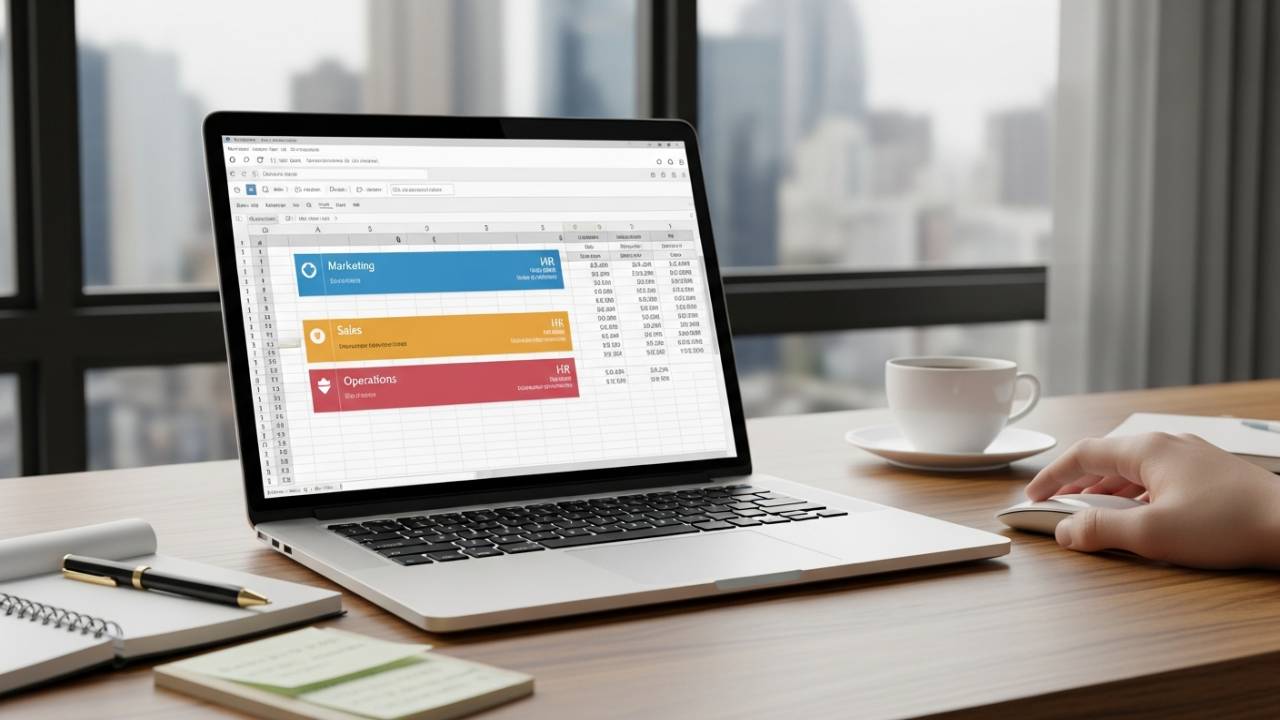
Streamlining your department’s annual planning doesn’t have to be a logistical headache. Whether you are leading a marketing team, an R&D lab, or an administrative hub, accurate forecasting is the key to securing approval from stakeholders. This free download Department Budget Template for Excel is designed to help managers compare performance across multiple fiscal years and justify future spending with data-backed precision.
Why Departmental Budgeting Matters
Effective department management requires a bridge between daily operations and long-term financial goals. Using a structured template allows you to:
- Justify Requests: Present clear evidence for budget increases based on historical data.
- Track YoY Growth: Identify trends by comparing this year’s spending directly against previous years.
- Eliminate Guesswork: Use automated calculations to estimate future costs with a higher degree of accuracy.
Key Features of This Template
This template is built specifically for the needs of middle management and department leads who require a balance of detail and simplicity.
1. Side-by-Side Yearly Comparison
The most valuable feature of this tool is the ability to view multiple budget years in a single row. This layout makes it easy to see where costs have escalated or where your team has achieved significant savings over time.
2. Automatic Percentage Change Calculations
Manual math is a thing of the past. The built-in formulas automatically calculate the percentage change between fiscal years. This allows you to instantly see the rate of growth or reduction in specific spending categories, making it easy to explain variances to the board or CFO.
3. Customizable Industry Categories
While the template comes with pre-built categories—such as General Admin, Marketing, Research & Development, and Software—it is fully editable. You can quickly tailor the rows to match the specific vendor names or project codes used by your team.
4. Simplified Reporting Structure
Designed for clarity, the layout is optimized for reporting. You can easily copy and paste your summaries into quarterly slide decks or annual reports without needing to reformat the data.
How to Use the Department Budget Template
- Input Historical Data: Enter your actual spending from the previous fiscal year to establish a baseline.
- Set New Estimates: Fill in your projected costs for the upcoming year based on current projects and headcount.
- Analyze Variances: Review the automatic percentage change columns to ensure your requests are realistic and justifiable.
- Customization: Add specific line items for software subscriptions, travel, or external consultants to fit your department’s unique needs.
Who This Template Is For
- Department Managers: Looking to streamline their annual planning cycle.
- Team Leads: Who need to track project-specific costs across several months.
- Operations Directors: Managing budgets for multiple departments simultaneously.
- HR & Marketing Heads: Budgeting for variable costs like recruitment or seasonal campaigns.
Free Download Link
Empower your leadership with a tool that makes financial planning intuitive. Download your department organizer below—no registration required.
👉 Download Your Free Department Budget Template (Instant Access)
Frequently Asked Questions (FAQ)
Yes. You can easily duplicate the yearly columns to create a three-year or five-year historical comparison.
No. The file is fully unlocked, allowing you to modify formulas, add branding, or change the color scheme to match your company’s guidelines.
Absolutely. The .xlsx format is compatible with all modern versions of Excel (Windows/Mac) and can be uploaded to Google Drive to be shared across your team via Sheets.
Yes. The categories are fully customizable, making it a great fit for non-profits, educational institutions, or government agencies that need to track departmental grants and expenditures.
Master Your Annual Planning Today
Take the stress out of “budget season” by adopting a system that does the heavy lifting for you. By using this free download Department Budget Template, you gain a professional framework that ensures your department remains efficient and financially sound. Download your copy now and lead your team with confidence.