
Laptop
How to Screenshot on Lenovo Laptop: ThinkPad and IdeaPad
Learn how to screenshot on your Lenovo laptop, including ThinkPad and IdeaPad models, using various Windows methods for full screen, window, and custom captures.
Learn how to screenshot on your Lenovo laptop, including ThinkPad and IdeaPad models, using various Windows methods for full screen, window, and custom captures.
Learn how to screenshot on your HP laptop with 5 easy methods for 2025. Capture your screen using keyboard shortcuts or built-in tools.

Learn how to screenshot on Dell laptop with this step-by-step tutorial covering Print Screen key, Snipping Tool, Snip & Sketch, and Game Bar for Dell laptop screenshot.

Learn how to screenshot on any laptop brand with our complete guide for Windows and macOS. Easy steps for capturing your screen.
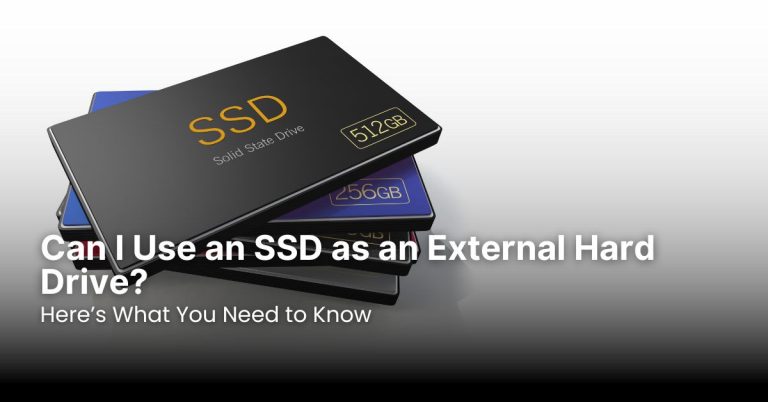
Use an SSD as an external hard drive to enjoy faster data transfer, better durability, and easy portability for backups and file storage on the go.

Is TikTok returning to the App Store? Recent developments suggest a possible comeback, but questions remain. Ongoing negotiations, legal battles, and policy changes could determine its fate. What conditions must TikTok meet, and how will this affect users? Keep reading to uncover the latest updates on its return.

A free scanner app for iPhone lets users digitize documents easily. Top apps like Adobe Scan, Microsoft Lens, CamScanner, SwiftScan, and Genius Scan offer OCR, cloud integration, and batch scanning. Choosing the best app depends on file format support, security, ease of use, and advanced features like text recognition.

Finding the best weather app for iPhone depends on accuracy, features, and user experience. This guide highlights top choices, including Apple Weather, The Weather Channel, and Carrot Weather, along with ad-free options like Ventusky and Yr.no. Choose the best app for detailed forecasts, severe weather alerts, or a distraction-free experience.
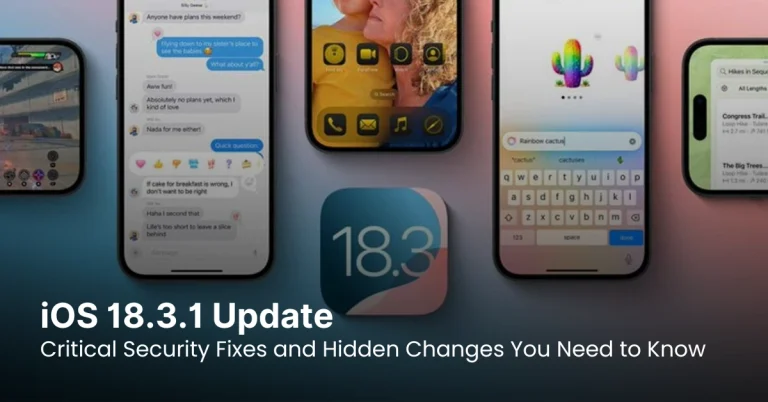
iOS 18.3.1 brings critical security fixes, including a patch for the USB Restricted Mode exploit and CVE-2025-24200. It also improves Starlink connectivity and refines Apple Intelligence settings. Users should update immediately for enhanced security, performance, and stability. Check settings post-update to ensure privacy preferences remain unchanged.

Taking a screenshot on iPhone 12, 12 Pro, and 12 Pro Max can be done using physical buttons or AssistiveTouch. Users can capture full-page screenshots in Safari and long screenshots with third-party apps. Managing screenshots with markup tools, albums, and cloud storage helps keep them organized and storage-efficient.

Taking a screenshot on the iPhone 15 series is easy using buttons, AssistiveTouch, or Siri. For full-page screenshots, Safari offers a built-in feature, while third-party apps help with long screenshots in other apps. Organizing, editing, and sharing screenshots efficiently ensures better management and storage optimization on your iPhone.

Recording calls on an iPhone requires third-party apps, Google Voice, external devices, or VoIP services since Apple lacks a built-in feature. Ensure legal compliance by obtaining consent. Store recordings securely using cloud services or encrypted storage. For high-quality audio, use noise reduction, a strong network, and proper microphone placement.