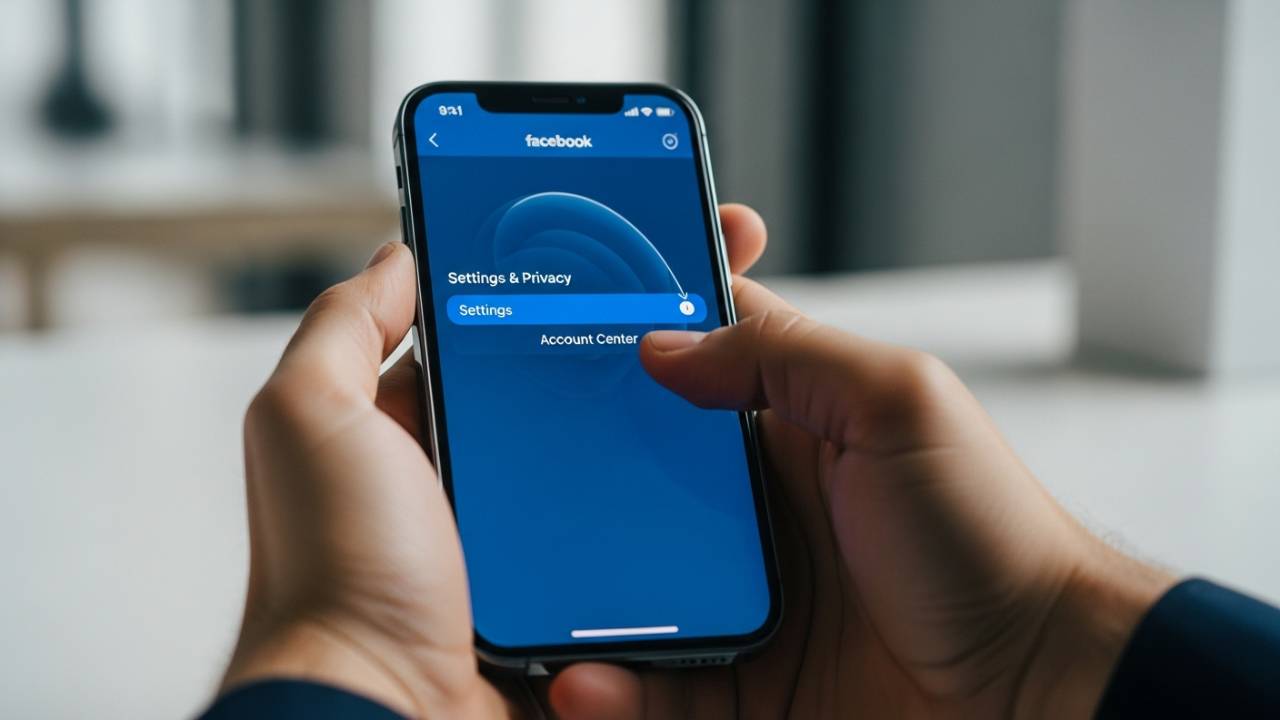
FACEBOOK • DAILYTECH.ID - In an era where digital privacy is becoming a luxury and social media fatigue is a common reality, many users are looking for the “exit” button. Whether you are concerned about data harvesting, tired of the endless scroll, or simply want to reclaim your time, knowing how to delete a Facebook account from an iPhone is a vital digital skill.
While Meta (Facebook’s parent company) has made the process more streamlined through the “Accounts Center,” the option is still buried beneath several layers of menus. This comprehensive guide will walk you through every method—whether you’re using the native iOS app, Safari, or looking to manage business assets before you leave.
Quick Answer: How to Delete Facebook on iPhone
To delete your Facebook account from an iPhone, follow this path:
- Open the Facebook app.
- Tap Menu (three lines) > Settings & privacy > Settings.
- Tap Accounts Center (Meta logo) > Personal details.
- Tap Account ownership and control > Deactivation or deletion.
- Select the account you want to remove and choose Delete account.
- Follow the prompts to confirm.
Delete vs. Deactivate: Which One Should You Choose?
Before you pull the trigger, it is crucial to understand the difference between these two options. Choosing the wrong one could lead to the permanent loss of years of photos and memories, or conversely, leave your data active when you thought it was gone.
Deactivate Facebook Account (Temporary)
- Reversible: You can come back whenever you want by simply logging in.
- Visibility: Your profile, photos, and posts are hidden from the public and your friends.
- Messenger: You can keep using Facebook Messenger even if your main profile is deactivated.
- Data: Your data remains on Facebook’s servers.
Delete Facebook Account (Permanent)
- Irreversible: After the grace period (usually 30 days), you cannot recover your account.
- Erasure: Your profile, photos, videos, and posts are scheduled for permanent removal.
- Messenger: You will lose access to Messenger and all its chat history.
- Apps: You can no longer use Facebook Login for third-party apps (like Spotify or Pinterest).
How to Delete Facebook Account from iPhone App (Permanent)
The Facebook app for iOS is the most common way users manage their profiles. Because Meta unified the settings for Instagram and Facebook, the process is now handled through the centralized Accounts Center.
Step-by-Step Instructions:
- Launch the App: Open the Facebook app on your iPhone.
- Access the Menu: Tap the three horizontal lines (Menu) in the bottom right corner of the screen.
- Navigate to Settings: Scroll down and tap Settings & privacy, then tap Settings.
- Enter Accounts Center: At the very top, you will see the Meta Accounts Center box. Tap anywhere on that box.
- Personal Details: Under Account Settings, tap on Personal details.
- Account Ownership: Tap Account ownership and control.
- Initiate Deletion: Tap Deactivation or deletion.
- Select Profile: Select the specific Facebook account you wish to close.
- Confirm Deletion: Select the radio button for Delete account and tap Continue.
- Survey & Security: Facebook will ask why you are leaving. You can skip this or provide feedback. Finally, you will be asked to enter your password to verify your identity.
- Final Confirmation: Tap Delete Account.
Pro Tip: Before performing these steps, we highly recommend using the “Download your information” tool within the Settings menu to save a copy of your photos and posts.
How to Deactivate Facebook Account from iPhone (Temporary)
If you just need a “digital detox” for a few weeks, deactivation is the better route. It takes the pressure off by allowing you to vanish from the platform without losing your digital footprint.
- Follow the same steps as above: Settings > Accounts Center > Personal details > Account ownership and control.
- Tap Deactivation or deletion.
- Choose Deactivate account.
- Messenger Check: You will be asked if you want to continue using Messenger. If you do, ensure you check that specific box.
- Confirm: Enter your password and confirm the deactivation.
Your profile will immediately disappear, but your name may still appear in your friends’ “Friends list” or in past messages you’ve sent.
How to Delete Facebook Account from iPhone Using Safari
Sometimes the Facebook app glitches, or perhaps you’ve already deleted the app and don’t want to re-download it just to close your account. Using Safari (or any mobile browser like Chrome) is a perfectly valid alternative.
- Open Safari: Go to www.facebook.com and log in to your account.
- Mobile Menu: Tap the three lines (Menu) in the top or bottom corner (depending on the mobile web layout).
- Settings Gear: Tap the Settings (gear icon).
- Meta Accounts Center: Look for the Accounts Center banner at the top and tap “See more in Accounts Center.”
- Follow the Personal Details Path: Just like the app version, go to Personal details > Account ownership and control > Deactivation or deletion.
- Complete the Process: Choose your account, select Delete account, and verify with your password.
This method is useful for users on older iPhones where the latest version of the Facebook app might not be supported.
How to Delete Facebook Account on Any iPhone Model (2024–2026)
One common misconception is that the process changes depending on which iPhone you own. Whether you are using an older iPhone 11 or the latest iPhone 16 Pro Max, the steps remain identical.
iPhone 11, 12, and 13
These models typically run the latest iOS versions. As long as your Facebook app is updated via the App Store, the Accounts Center path is the standard.
iPhone 14, 15, and 16
On newer models with Dynamic Island, the interface remains the same. The high-speed processors make navigating the Meta menus slightly snappier, but the software logic is unchanged.
Legacy Models (iPhone SE, etc.)
Even on smaller screens, Facebook maintains a responsive design. If you cannot find the Accounts Center, ensure your app is updated to the latest version available in the App Store.
Managing Pages, Business Accounts, and Extras
Many users hesitate to delete their personal account because they manage a small business or a community page. Here is how to handle those “extras.”
How to Delete a Facebook Page from iPhone
If you only want to get rid of a specific Page you created:
- In the Facebook app, tap your Profile Picture (Menu).
- Tap Switch (the circling arrows) to log into your Page.
- Go to Settings & privacy > Settings.
- Search for “Delete Page” in the search bar or navigate to Page Settings > Public Information.
- Follow the prompts to delete the Page.
How to Delete Facebook Business Account
Business accounts (Meta Business Suite) are separate entities. If you delete your personal account, you may lose access to your Business Manager. It is best to assign a new Admin to your Business Account before deleting your personal profile.
How to Delete Facebook Dating on iPhone
If you just want to get off the dating market:
- Inside the Facebook app, go to the Dating section.
- Tap the Settings (Gear) in the top right.
- Tap General.
- Scroll down to Account and select Delete Profile. This will delete your dating profile without affecting your main Facebook account.
Problems & Edge Cases: What to Do When It Fails
How to Delete Facebook Account on iPhone Without a Password
For security reasons, you cannot delete a Facebook account without a password. If you have forgotten yours:
- Go to the login screen.
- Tap Forgot Password?
- Follow the recovery steps via email or SMS.
- Once you have regained access, follow the deletion steps outlined above.
How to Remove a Second Facebook Account from iPhone
If you have multiple accounts logged into your iPhone and just want to remove one from the device (without deleting it entirely):
- Go to the Menu.
- Scroll to the bottom and tap Log Out.
- On the login screen, you will see the saved profiles.
- Tap the Gear icon (Settings) on the login screen.
- Select the account you want to remove and tap Remove profile.
How to Cancel Facebook Account Deletion
Changed your mind? You usually have 30 days to reverse the decision.
- Log into the Facebook app or website within 30 days of the deletion request.
- You will see a message stating when your account is scheduled for deletion.
- Tap Cancel Deletion.
What Happens After You Delete Your Facebook Account?
Once the 30-day “cooling-off” period expires, the following occurs:
- Data Erasure: Meta begins the process of removing your data from its backup systems, which can take up to 90 days.
- Oculus/Meta Quest: If you use a Meta Quest headset linked to your Facebook account, you may lose access to your VR purchases unless you have migrated to a separate Meta Account.
- Third-Party Logins: You will be locked out of any website where you used “Log in with Facebook.”
- Searchability: You will no longer appear in Facebook search results, and people will see “Facebook User” in old message threads.
FAQs – How to Delete Facebook Account from iPhone
The process begins immediately after you confirm, but the account is only “scheduled” for deletion. It takes 30 days for the deletion to become permanent and up to 90 days for all data to be cleared from backup systems.
Yes. You can use Safari, Chrome, or Firefox on your iPhone to navigate to Facebook.com and follow the same Accounts Center steps.
Yes. If you choose the permanent Delete Account option, your Messenger account and all chat history will be deleted as well. If you want to keep Messenger, you must choose Deactivate Account instead.
No, Facebook does not send notifications for account deletion or deactivation. You will simply disappear from their friends list.
Only if you are still within the 30-day grace period. Once the 30 days are up, the photos are gone forever. Always download your data before deleting.
Summary Table: Deletion vs. Deactivation
| Feature | Deactivation | Deletion |
| Duration | Temporary | Permanent |
| Messenger Access | Yes (Optional) | No |
| Visible to Friends | No | No |
| Reactivatable | Yes, by logging in | No (after 30 days) |
| Data on Servers | Kept | Deleted |
Deciding to leave social media is a big step toward digital wellness. Whether you’re doing it for a month or forever, the steps above ensure that you remain in control of your data. By using the Meta Accounts Center on your iPhone, you can manage your digital footprint in just a few taps.