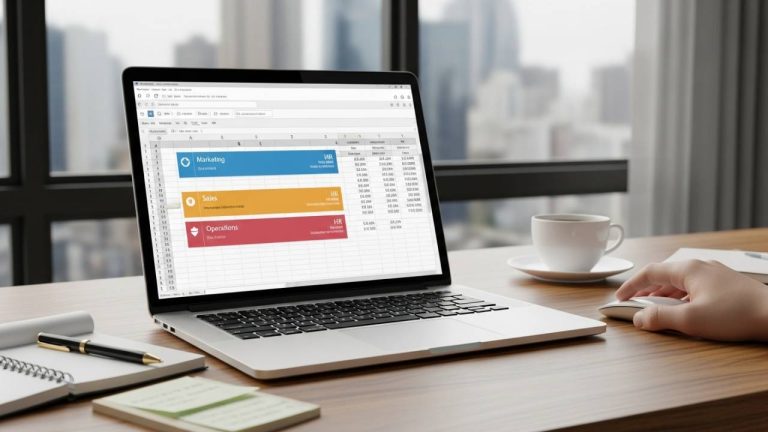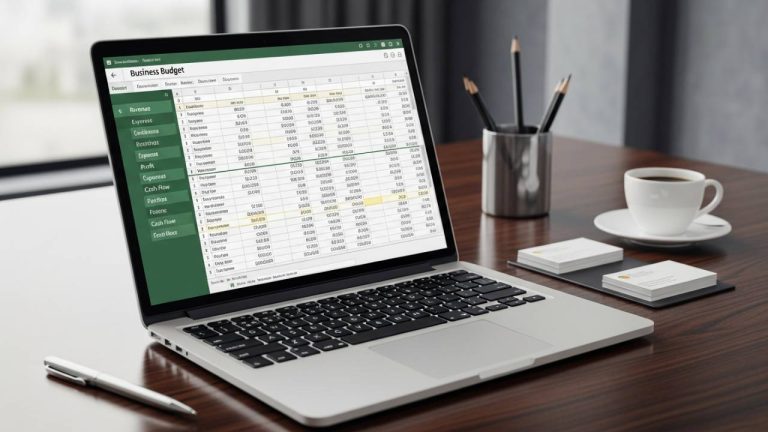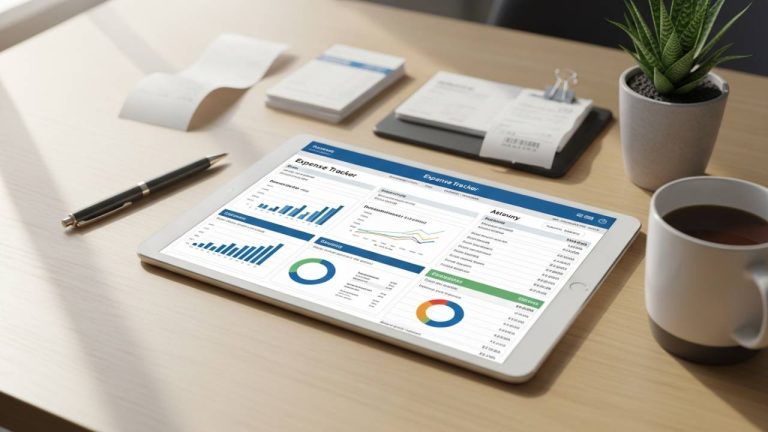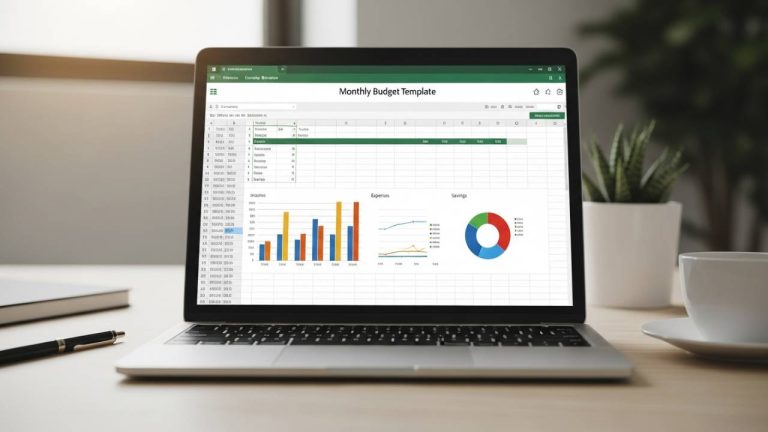
Project success isn’t just about meeting a deadline; it’s about crossing the finish line without draining your resources. Whether you are managing a software launch, a construction build, or a creative campaign, “budget creep” is a constant threat. This free download Project Budget Template for Excel is built to handle complex timelines and granular expenses, ensuring your project remains profitable and on track.
Why Every Project Needs a Task-Level Budget
A high-level estimate is rarely enough to manage a real-world project. To avoid unexpected deficits, you need a bottom-up approach. Using a dedicated project tracker allows you to:
- Prevent Scope Creep: Identify exactly which task is starting to exceed its financial boundaries.
- Manage Labor Hours: Track planned vs. actual time spent to ensure your team’s efficiency matches your projections.
- Streamline Procurement: Monitor material usage and fixed costs in real-time.
Notable Features of This Template
This template is designed for project managers who need to dive deep into the data without getting lost in a messy spreadsheet.
1. Granular Task & Subtask Breakdown
Projects are rarely linear. This template allows you to break down your project into individual tasks and subtasks. By assigning a budget to each small component, you gain total visibility into where every dollar is allocated.
2. Labor and Material Tracking
Unlike a standard expense log, this template includes specific columns for:
- Labor Hours: Compare your “Planned Hours” against “Actual Hours” to assess team performance.
- Material Usage: Track physical resources and their fluctuating costs.
- Fixed Expenses: Account for one-time costs like permits, equipment rentals, or software licenses.
3. Color-Coded Status Tags
Speed is essential in project management. This template uses color-coded status tags and Under/Over calculations to provide a visual warning system. A quick glance tells you if a task is “Healthy” (Green) or “At Risk” (Red), allowing for immediate intervention.
4. Comprehensive Totals Display
At the bottom of each project section, the template automatically aggregates all data to show your total spent, remaining balance, and overall budget health. No more manual tabulating at the end of the week.
How to Use the Project Budget Template
- Define Your Scope: List out all phases of the project, including every necessary task and subtask.
- Estimate Costs: Input your planned labor hours, material costs, and fixed expenses for each item.
- Update Progress: As the project moves forward, log actual hours and expenditures.
- Monitor the Variance: Use the automated “Under/Over” columns to identify cost variances and adjust your workflow accordingly.
Who This Template Is For
- Project Managers: Juggling multiple complex timelines and cross-functional teams.
- Freelancers & Contractors: Who need to provide transparent billing and expense reports to clients.
- Construction & Engineering Firms: Tracking heavy material usage and labor-intensive phases.
- IT & Software Teams: Managing “sprints” and development costs with precision.
Free Download Link
Stop managing your projects with guesswork. Access your professional project budget tracker below—no signup, just a direct download.
👉 Download Your Free Project Budget Template (Instant Access)
Frequently Asked Questions (FAQ)
Yes. The template is structured to handle task-level budgeting for multiple projects, allowing you to keep all your active initiatives in a single, organized workbook.
Absolutely. Simply upload the .xlsx file to Google Drive. The formulas for labor-hour comparisons and color-coded tags will remain fully functional.
Yes. Every row and column is editable. You can easily swap “Material Usage” for “Digital Ad Spend” or “Software API Fees” depending on your specific field.
The template’s automated variance calculation will immediately show a negative balance for that task, and the color-coded tag will shift to alert you, helping you reallocate funds from other tasks to stay balanced.
Take Command of Your Project Costs Today
Don’t let hidden expenses derail your hard work. By using this free download Project Budget Template, you gain the structured system required to stay on schedule and under budget. Download your copy now and deliver your next project with financial confidence.