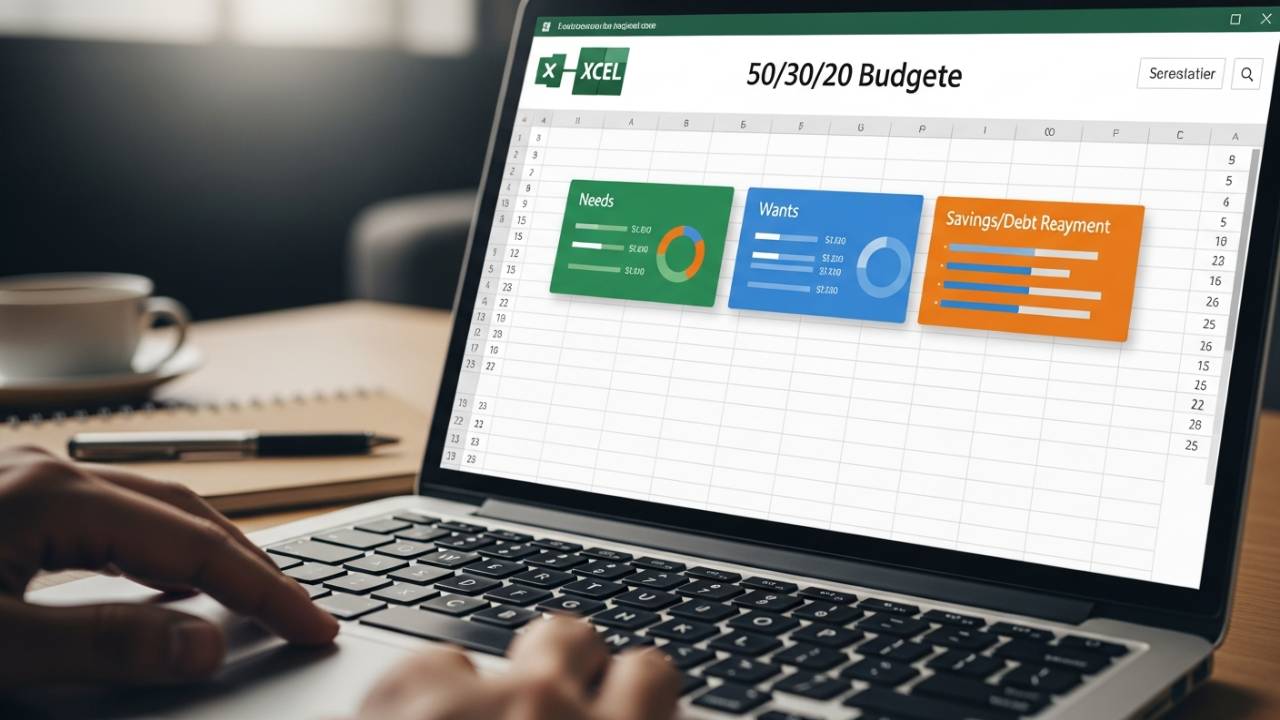
Achieving financial balance is much simpler when you follow a proven strategy like the 50/30/20 rule. This 50/30/20 Budget Template Excel is built to help you automatically divide your income into needs, wants, and savings for maximum efficiency.
By using this 50/30/20 Budget Template Excel, you can stop guessing and start tracking your spending against your actual financial priorities. It is the perfect tool for anyone looking to build a solid financial foundation with a clean, minimalist, and automated spreadsheet.
When to Use This 50/30/20 Rule Template
This template is specifically designed for those who want to follow the 50/30/20 budgeting method. You should use this tracker to ensure:
- 50 Percent for Needs: Automatically allocate half of your income toward essentials like housing, groceries, and utilities.
- 30 Percent for Wants: Track your discretionary spending on lifestyle, entertainment, and hobbies without overspending.
- 20 Percent for Savings: Ensure a consistent portion of your paycheck goes toward debt payments, emergency funds, or investments.
Notable Template Features
This 50/30/20 Budget Template Excel transforms a complex financial rule into an easy-to-manage automated system:
- Categorized Sections: The template is pre-divided into 50/30/20 sections with itemized rows and automated total amounts for each portion.
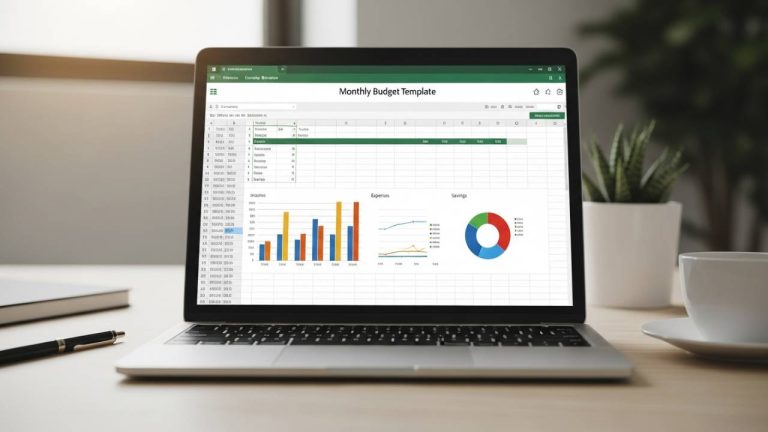
- Planned vs. Actual Visuals: Includes a built-in chart that compares your planned budget against your actual spending for instant insight.
- Overspending Alerts: Quickly identify which category is leaking money so you can adjust your habits before the month ends.
- Clean and Minimalist Layout: Designed for ease of use, allowing you to focus on tracking your progress without unnecessary clutter.
How to Use Your 50/30/20 Budget Tracker
- Download: Click the direct link below to get your 50/30/20 Budget Template Excel.
- Input Net Income: Enter your total take-home pay to see the 50/30/20 breakdown automatically calculated.
- Log Monthly Spending: Fill in your itemized expenses under the Needs, Wants, or Savings categories.
- Monitor the Chart: Use the visual dashboard to see how your actual spending compares to the 50/30/20 financial rule.
50/30/20 Budget Template Excel Free Download
Get instant access to your automated financial rule tracker below. No sign-up or registration is required—just a direct download to start budgeting smarter.
👉 Download Your 50/30/20 Budget Template Excel (Instant Access)
Frequently Asked Questions (FAQ)
Yes. Once you enter your income, the 50/30/20 Budget Template Excel will show you exactly how much money should be allocated to each category based on the rule.
Absolutely. Upload the .xlsx file to your Google Drive and open it with Sheets; all automated formulas and visual charts will remain fully functional.
While it’s a gold standard for many, the template is fully editable. If you need to adjust the ratios to 60/20/20 or 70/20/10, you can easily modify the percentages to fit your current situation.